
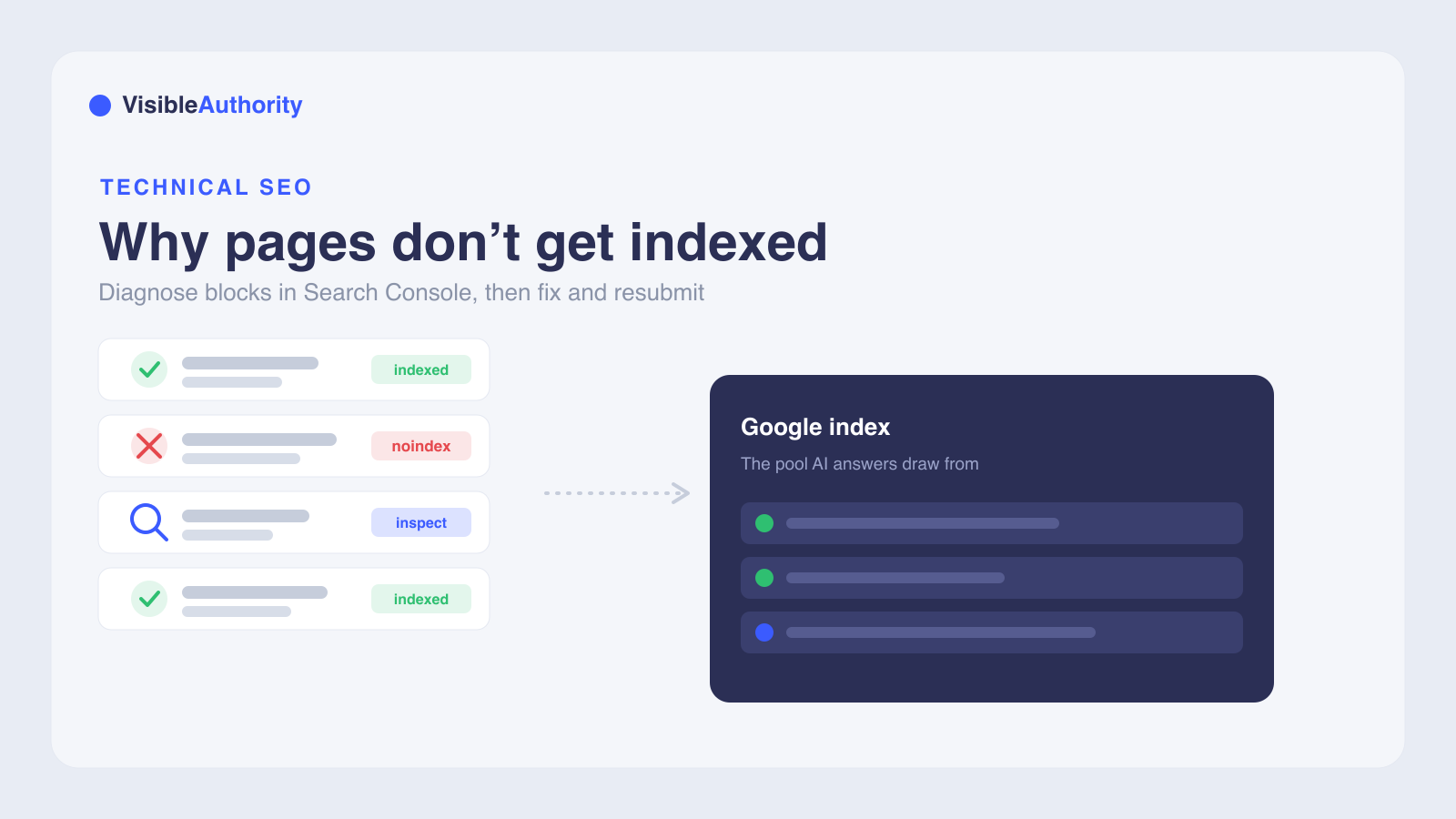
Pages usually fail to get indexed by Google for a small set of reasons: they are too new, blocked by robots.txt or a noindex tag, returning server errors, flagged as duplicate or non-canonical, judged thin or low quality, or simply hard to discover. Start in Google Search Console: use the URL Inspection tool to see the exact status for a page and the Page Indexing report for a site-wide view. Fix the specific blocker, strengthen content quality and internal links, submit an accurate XML sitemap, then request indexing. Remember that indexing does not guarantee ranking, and a sitemap does not guarantee indexing.
A February 2025 analysis of over 16 million webpages found that 61.94% of pages were never indexed by Google. Only 37.08% achieved full indexing. If you are asking why your pages are not getting indexed by Google, the answer usually comes down to a small set of technical and content issues you can diagnose and fix.
A page that Google has not added to its index cannot appear in search results. AI models like ChatGPT, Perplexity, and Gemini are also far less likely to reference it when synthesizing answers for buyers.
Why pages fail to get indexed by Google
The reasons pages fail to get indexed fall into five categories: technical blocks, content quality issues, canonical and duplicate content problems, server errors, and discoverability gaps. Google's own troubleshooting guide lists these same factors: newness, blocking mechanisms, findability problems, manual actions, and security issues.
Newness is the most frequent reason. Google states that new pages typically take "anywhere from a day or two to a few weeks" to be crawled and indexed. Of pages Google does eventually index, 93.2% are indexed within six months. Patience is a factor before you start troubleshooting.
Not every URL should be indexed. Google advises that duplicate URLs and pages without meaningful information do not need to be in the index. As Google's Page indexing report documentation puts it, "Non-indexed URLs can be fine. Read and understand the specific reason for each non-indexed URL to confirm that the page shouldn't be indexed."
The same research found that 21.29% of pages that were eventually indexed were later deindexed. Indexing is not a permanent state. Google re-evaluates pages, and a URL that was indexed yesterday can drop out if quality declines or technical issues appear.
For B2B SaaS companies, the indexing gap has a second dimension in AI search. Models like Perplexity synthesize search results to answer buyer questions, drawing from pages Google has indexed. A page missing from that index is absent from the recommendation pool entirely. Technical SEO factors that determine indexability, from server response times to canonical configuration, also gate whether AI search engines can access your content at all.
Diagnosing indexing issues with Google Search Console
Google Search Console is the primary diagnostic tool for indexing problems. It gives you direct data from Google about which pages are indexed, which are not, and why. The URL Inspection tool is where you start.
Type a fully-qualified URL into the inspection search bar at the top of any Search Console screen to see that page's current index status. The tool shows whether the URL is on Google, whether crawling is allowed, whether indexing is allowed, and what canonical URL Google selected. It also reveals discovery information: how Google found the URL, whether it could crawl the page, and what obstacles it encountered.
The tool has a caveat. The results shown are from the most recently indexed version of the page, not the live version. Use the "Test live URL" button to check the current version on your site. A passing live test does not guarantee indexing. The page must also meet quality thresholds, not be subject to manual actions, and be selected as the canonical version.
The URL Inspection tool also has a daily request limit per Search Console property. Prioritize checking your most important pages first rather than burning through the quota on low-priority URLs.
For a site-wide view, open the Page Indexing report. It groups URLs by status: Indexed, Not indexed with a specific reason, and Excluded. The report shows counts for each category, so you can see at a glance how many pages have problems and what those problems are.
Two statuses show up frequently for pages that are not indexed. "Discovered, currently not indexed" means Google knows about the URL but has not crawled it. Google's documentation explains: "The page was found by Google, but not crawled yet. Typically, Google wanted to crawl the URL but this was expected to overload the site; therefore Google rescheduled the crawl." "Crawled, currently not indexed" means Google found and fetched the page but has not committed it to the index. Google notes: "The page was crawled by Google but not indexed. It may or may not be indexed in the future; no need to resubmit this URL for crawling."
The Crawl Stats report rounds out the picture. It shows Googlebot's activity patterns over the past 90 days, including crawl errors, response codes, and host responsiveness. If your server is slow or returning errors during Googlebot visits, this report surfaces it.
Technical blocks: robots.txt, noindex, and server errors
Technical blocks are the most common fixable cause of indexing failure. A page can be blocked from crawling, blocked from indexing, or blocked by a server error, and each has a different fix. For B2B SaaS companies, the priority is fixing blocks on pages that buyers consult during evaluation: comparison pages, pricing pages, and feature documentation. These pages must be indexable for AI models to cite and recommend your products. A blocked comparison page costs you both a search result and an AI recommendation.
Your robots.txt file tells Googlebot which parts of your site it can crawl. A directive like User-agent: * followed by Disallow: /staging/ blocks Googlebot from crawling any URL under the /staging/ path. You can check your robots.txt file by visiting yourdomain.com/robots.txt in a browser. Search Console also has a robots.txt tester where you can verify whether specific URL paths are blocked.
The noindex meta tag is the other common blocking mechanism. When a page contains <meta name="robots" content="noindex"> in its HTML, Google will not add it to the index even if it crawls the page. The same directive can be sent as an X-Robots-Tag HTTP header, which applies the noindex rule at the server level. Both are often set accidentally through CMS settings, staging configurations, or plugin defaults.
Server-side HTTP status codes also block indexing. A 404 response tells Googlebot the page does not exist. A 401 or 403 response signals that the page is password-protected or access-blocked. A 5xx error means the server is overloaded or down. Any response other than 200 OK can signal to Google that a page is not ready for indexing.
Soft 404s are a subtler problem. These are pages that return a 200 status but display a "not found" or "no results" message. Google may treat them as non-existent and skip indexing them. If you have moved a page permanently, use a 301 redirect so Googlebot and users are sent to the correct URL instead of hitting a dead end.
A 200 response alone does not guarantee indexing. An SEJ Ask An SEO article on non-200 server response codes notes that indexing problems can also stem from "either a technical issue with the site, like an errant canonical tag or a robots.txt block." Other directives or quality signals can override the 200 status. These can keep a page out of the index.
Canonical tags, duplicate content, and content quality
Canonical tags tell Google which version of a page is the preferred one. When a page carries a rel="canonical" tag pointing to a different URL, Google treats that other URL as the canonical version and may not index the original. The URL Inspection tool shows the canonical URL Google chose for each page under its Indexing section.
Duplicate content causes a similar outcome. If your site has multiple pages with the same or near-identical content, Google selects one canonical URL and skips the others. This is common with parameterized URLs: sorting filters, session IDs, and tracking parameters can generate dozens of URLs for what is essentially the same page. Google's Page Indexing report labels these as "duplicate" or "alternate" and does not index the copies.
The report uses two specific statuses for these situations. "Alternate page with proper canonical tag" means the page has a canonical tag pointing to another URL. "Duplicate without user-selected canonical" means Google found duplicates but you did not specify which version is canonical, so Google chose one on its own.
Content quality is the other side of the coin. The "Crawled, currently not indexed" status often signals that Google fetched the page but decided it was not worth adding to the index. Google prioritizes unique, substantive content and may skip pages it perceives as thin, low-value, or unhelpful.
Google evaluates content quality using its E-E-A-T framework: Experience, Expertise, Authoritativeness, and Trustworthiness. Pages that demonstrate firsthand expertise, provide original information, and serve a clear user benefit are more likely to be indexed. Pages that lack substance or merely restate what already exists elsewhere are routinely skipped.
Getting cited by AI search engines depends on the same quality signals. AI models like ChatGPT and Gemini look for content that demonstrates expertise and provides specific, original information, the same criteria Google uses to decide whether a page merits indexing. A comparison page that restates a competitor's feature list without adding original analysis is likely to be skipped by both.
Crawl budget, discoverability, and XML sitemaps
Crawl budget is the number of pages Googlebot will crawl on your site within a given timeframe. New and smaller sites receive a limited budget, and if that budget is spent on low-quality pages or technical dead ends, your important pages may never get crawled.
Google's crawling and indexing FAQ notes that "the most common reason that a site is not indexed is because it's just too new." It also lists connectivity as a factor. The FAQ states: "A website might not be well connected through multiple links from other sites on the web."
To optimize crawl budget, remove or consolidate thin pages, fix broken links, block unimportant pages with robots.txt, and improve server response times. Every page Googlebot crawls that returns an error or offers no value consumes budget that could go to pages you want indexed.
Internal linking matters for discoverability. Pages that are not linked from anywhere else on your site are harder for Googlebot to find. Google recommends ensuring you can reach any page by following a chain of one or more links from your homepage. Pages buried too deep in your site architecture, requiring many clicks from the homepage, are less likely to be crawled.
An XML sitemap gives Google a direct list of the URLs you want indexed. Submitting an accurate, up-to-date sitemap in Google Search Console is especially useful for new sites or pages that are not easily discovered through internal links alone. Google notes that "while a sitemap file can help us learn about your site, it does not guarantee indexing or increase your site's ranking."
Ensure your sitemap is not blocked by robots.txt, is valid, and uses the correct URL format. Site hosting services like Wix and Squarespace often auto-submit sitemaps when you publish new pages, which can help reduce indexing lag.
Requesting indexing, indexing vs. ranking, and advanced issues
After you fix the blocking issue, request indexing through Search Console. Open the URL Inspection tool and enter the URL. Click "Test live URL" to confirm the fix worked. Then click "Request indexing" to tell Google the page has changed and is ready for another attempt.
Manual submission has limits. IndexCheckr analyzed 33,930 pages submitted to indexing tools and found that only 29.37% were successfully indexed. The remaining 70.63% stayed unindexed after submission. Requesting indexing can reduce the lag, but it does not override quality or technical barriers.
Indexing and ranking are separate things. Indexing means Google has your page in its database. Ranking means the page appears high in search results for a relevant query. Google's documentation states that "just because a page is indexed doesn't guarantee that it will show up in your search results. Search results are customized for each user's search history, location, and many other variables."
For B2B SaaS companies, a similar gap exists in AI search. If your pages are indexed but your competitors have stronger content signals, AI models may recommend them instead. Understanding why ChatGPT recommends competitors starts with the same fundamentals: indexability, content quality, and authority signals.
JavaScript rendering can also block indexing. If a page relies on JavaScript to render its main content, Googlebot may not see the full page when it crawls. Server-side rendering or pre-rendering can make the main content available in the initial HTML and reduce the risk that Googlebot misses it on the first request.
Manual actions are a more serious issue. Google can apply a manual penalty for policy violations like thin affiliate pages, spam, or purchased links, and the penalty can de-index entire sites or sections. Check the Manual Actions report in Search Console to see if any actions have been applied to your site. Security issues can also lower ranking or remove pages from search results entirely.
Google's Gary Illyes has noted that partial indexing is normal: "if you have a hundred pages and 80 of them are being indexed, then I wouldn't see that as being a problem that you need to fix." Focus on the pages that matter most to your business.
Frequently asked questions about Google indexing
How long does it take for Google to index a new page?
What does "Discovered, currently not indexed" mean in Google Search Console?
Can I force Google to index my page?
Why is my page indexed but not ranking in search results?
Does submitting an XML sitemap guarantee that Google will index my pages?
Get help with your indexing and AI visibility
Fixing indexing issues is the foundation. Pages must be in Google's index before they can rank in search results or appear in AI-generated answers. For B2B SaaS companies, being indexed is only the first step toward being recommended by AI models when buyers ask relevant questions.
If you have worked through the fixes in this guide and your pages are indexed, your brand still might not show up when buyers ask ChatGPT, Perplexity, or Gemini for recommendations. The next step is evaluating how AI models see your content. AI Visibility Mapping analyzes buyer queries across major AI models to identify where your brand is missing from AI-generated answers and where competitors are being recommended instead.
Start with a free AI visibility audit to see how your brand appears across ChatGPT, Perplexity, and other models. The audit maps your current mention rates, identifies gaps, and gives you a baseline to measure against.
We'll run your category through the major models and map exactly where you appear, where competitors win, and what it takes to become the recommendation.