
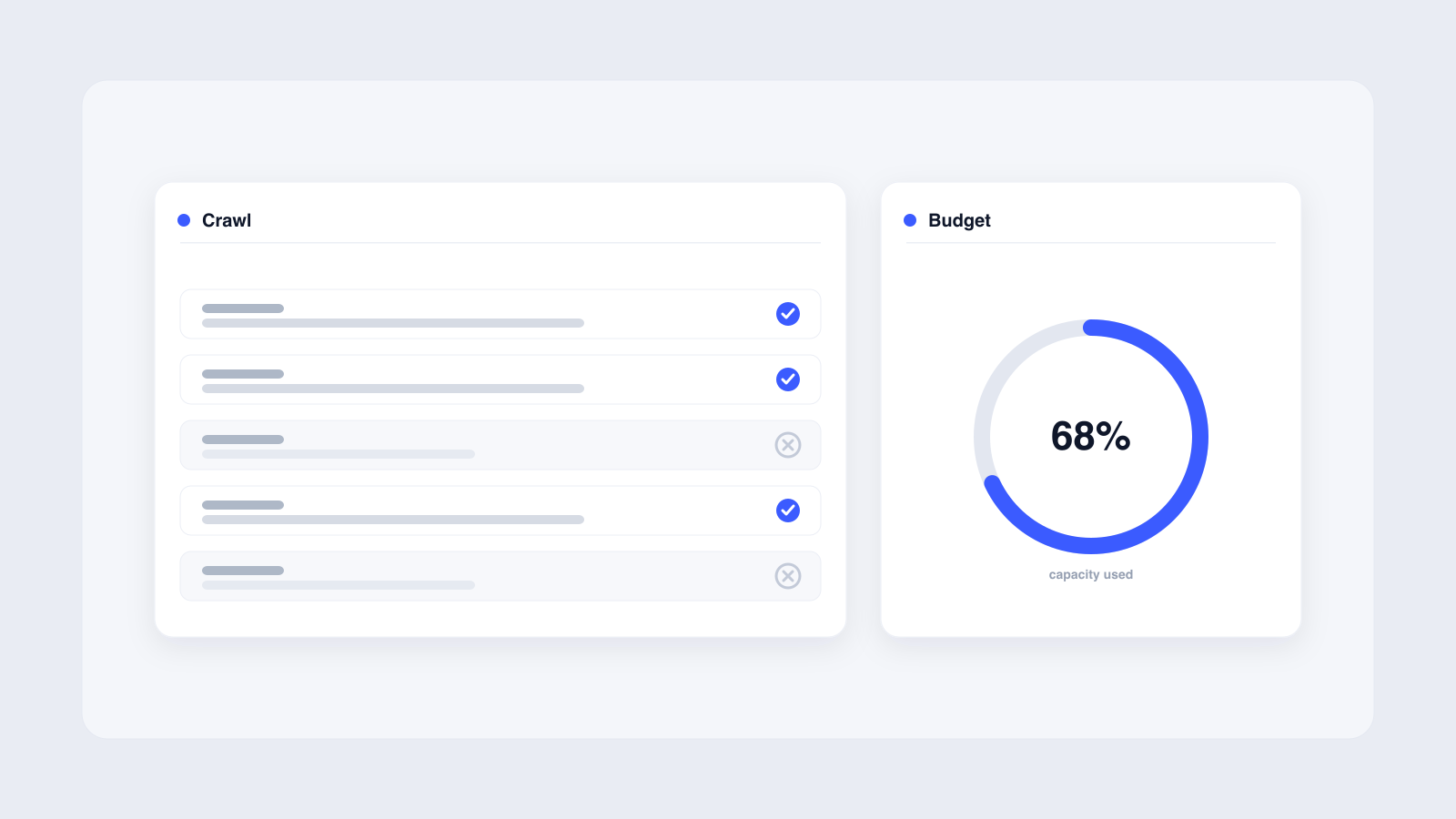
Crawl budget is the set of URLs Googlebot can and wants to crawl on your site in a given timeframe, set by two factors: crawl capacity (how fast and reliably your server responds) and crawl demand (how popular and fresh your content is). It matters mainly for large sites with hundreds of thousands to millions of URLs. To optimize it, speed up your server, eliminate crawl waste like duplicates, soft 404s, and redirect chains, keep sitemaps clean, tighten internal linking, and use robots.txt to block low-value sections. The same crawlability determines whether AI engines can read and cite your pages.
If Googlebot cannot crawl your pages, those pages will not rank. For sites with tens of thousands of URLs, the gap between what Google can crawl and what you want indexed is where crawl budget optimization lives. The same principle applies when AI systems like ChatGPT, Perplexity, and Gemini synthesize answers from web sources: if your pages are not crawlable and current, they cannot be cited or recommended. Understanding what crawl budget is and how to optimize it for a large website can mean the difference between your best pages appearing in search results or sitting undiscovered.
This guide translates Google's official crawl budget documentation into practical steps. You will learn how to diagnose crawl issues with Google Search Console, eliminate crawl waste, and structure your site so Googlebot prioritizes your most important pages.
Crawl budget determines how much of your site Googlebot can process, and two factors control it: how much capacity your server allows and how much demand your content generates.
What is crawl budget? Definition and core components
Google defines crawl budget as the set of URLs that Google can and wants to crawl on your site within a given timeframe. The concept breaks down into two components: crawl capacity limit and crawl demand.
Crawl capacity limit, also known as hostload, is the maximum amount of time Googlebot spends holding connections open to your server. It factors in both the number of parallel connections and their duration. Every site starts with the same conservative default. If your site responds consistently and response times stay stable or improve, Google raises the limit over time. If latency increases or the server returns 5xx errors or 429 rate-limiting signals, the limit drops and Google crawls less.
Crawl demand reflects how much Google wants to crawl your site. Three factors drive it: perceived inventory (how many URLs Google knows about), popularity (how often those URLs are linked and visited across the web), and staleness (how frequently your content changes). Google describes perceived inventory as the factor you can positively control the most.
Think of crawl budget like a librarian's daily reading quota. The librarian can only read so many books per day (capacity), and they prioritize the most popular and recently updated titles (demand).
Why crawl budget optimization matters for large websites
Google's guidance is specific about who needs to care. Crawl budget matters primarily for large sites with 1 million or more unique pages that change weekly, sites with 10,000 or more pages that change daily, or sites with a large share of URLs marked 'Discovered - currently not indexed' in Google Search Console.
Google's 2017 blog post states that sites with "fewer than a few thousand URLs" generally do not need to worry about crawl budget. The "fewer than a thousand pages" threshold that appears in Google's Crawl Stats report documentation applies to that report specifically, not to crawl budget as a whole. Gary Illyes later suggested that roughly 1 million URLs is the real baseline where crawl budget becomes a concern. New pages on small sites tend to be crawled the same day they are published.
For large sites, the stakes are different. When Googlebot wastes time on low-value URLs like duplicate pages, soft 404s, and redirect chains, it delays discovery and indexing of pages that actually matter. Important content sits uncrawled while Googlebot processes URLs that add no search value. This reduces your search visibility and the traffic that comes with it.
The 253 pages crawled per day figure comes from a single Conductor case study about its own website, not an industry average. Google publishes no benchmark for average pages crawled per day, and crawl rates vary widely by site size, health, and demand. Industry observers have also suggested Google may have shifted toward dynamic daily adjustments based on real-time site health signals, though this has not been officially confirmed.
How to diagnose crawl budget issues and monitor activity
Google Search Console's Crawl Stats report gives you a 90-day snapshot of Googlebot activity on your site. You can find it under Property settings, then Crawl stats. The report shows total crawl requests, total downloaded bytes, and average host response time, broken down by response code (200, 404, 301, 5xx), file type (HTML, images, JavaScript, CSS), crawl purpose (discovery versus refresh), and Googlebot type (smartphone versus desktop).
One limitation: the Crawl Stats report is only available for root-level properties. Your property must be either a Domain property or a URL-prefix property at the root level, such as https://example.com.
Server log file analysis gives you the source of truth for what Googlebot actually crawls. Tools like Semrush Log File Analyzer, Botify, and OnCrawl handle enterprise-scale analysis. Server logs show exactly which URLs Googlebot visits, how often, and what response codes it receives. The Crawl Stats report may not count every request, so comparing it against your logs helps catch discrepancies.
Several warning signs point to crawl budget problems:
- High volumes of 'Discovered - currently not indexed' or 'Crawled - currently not indexed' pages in GSC
- Spikes in 5xx server errors during crawl spikes
- Disproportionate crawling of non-HTML resources like images and JavaScript
- Total crawl counts in GSC that far exceed what your server logs show, often caused by an unavailable robots.txt file
Key strategies to optimize crawl budget for large websites
Optimizing crawl budget falls into three categories: controlling what Googlebot crawls, guiding Googlebot to the right pages, and making every crawl request count. No single action fixes crawl budget on its own. It requires a coordinated approach across server health, content quality, and technical architecture.
The strategies below cover server performance, URL inventory management, internal linking, XML sitemaps, robots.txt, and redirect handling. Each one addresses a specific way Googlebot spends, or wastes, its time on your site.
Improve server performance and site speed
Fast server response times directly influence your crawl capacity limit. Google explicitly names Time-to-First Byte (TTFB) as a crawl health factor. When your server responds quickly and consistently, Googlebot raises the crawl capacity limit over time, meaning more connections can crawl your site.
Google's official crawl budget documentation does mention adding more server resources when 'Hostload exceeded' appears in the URL Inspection tool, but the recommendation is explicitly conditional ("if that makes sense for your business") and is only one of multiple suggested remedies. Others include optimizing content quality, blocking unnecessary URLs from crawling, improving page speed, and managing URL inventory. The error can also be transient and may resolve within 24 hours.
Practical steps include upgrading your hosting infrastructure, using a CDN to reduce latency, and improving code efficiency to reduce page load and rendering time. Profile your TTFB during Googlebot activity windows. If origin TTFB exceeds 1 second under crawl load, the bottleneck is likely in server-side templating, database queries, or external API calls.
Support HTTP caching with 304 (Not Modified) status codes. When a page has not changed since Google last crawled it, a 304 response tells Googlebot to reuse the cached version. This saves server bandwidth and crawl time.
Consider offloading heavy resources like images, videos, PDFs, and JavaScript bundles to a separate hostname or CDN. Crawl budget is managed at the host level, so moving large files off your primary domain frees up capacity for HTML content.
Manage URL inventory and eliminate crawl waste
Preventing Googlebot from wasting crawl budget on low-value URLs is one of the most effective optimizations for large sites. Google's guidance is direct: if Google spends too much time crawling URLs it should not, its crawlers might not explore the rest of your site or increase your crawl budget.
Canonicalization consolidates duplicate URLs. Use canonical tags to focus crawling on unique content rather than unique URLs. Google specifically recommends eliminating duplicate content so crawling targets distinct pages.
Faceted navigation creates crawl traps on large ecommerce and directory sites. Sort variants, filter combinations, and parameter-based duplicates generate near-infinite URL permutations. Use robots.txt to block crawling of these unimportant pages, including infinite scroll pages that duplicate information from linked pages.
Soft 404s are pages that return a 200 status code but contain no meaningful content. Google says these pages will continue to be crawled and waste your budget. Check the Page Indexing report in Google Search Console for soft 404 errors and fix them.
For permanently removed pages, return a 404 or 410 status code. Google states that a 404 is a strong signal not to crawl that URL again. Blocked URLs via robots.txt behave differently: they stay in Google's crawl queue longer and will be recrawled when the block is removed. For permanent removals, a 410 status is more effective than a robots.txt block.
Optimize internal linking architecture
Internal linking is how you guide Googlebot to your important pages. Without strong internal links, pages risk becoming orphaned: URLs that exist in your sitemap but have no in-page links pointing to them. Orphan pages rarely get crawled, and the pages that should link to them miss out on the link equity those outbound signals would carry.
For large sites, build a logical linking structure using breadcrumbs, hub pages that link to related content clusters, and contextual links from high-authority sections. Your homepage, category pages, and top blog posts carry the most link equity. Link from those pages directly to priority URLs. How you build topical authority across your site also influences crawl demand, since Google factors content quality and relevance into how much it wants to crawl.
Avoid deep page hierarchies that require many clicks from the homepage. Googlebot may deprioritize or never reach pages buried five or six clicks deep. A flat architecture where important pages are reachable within three clicks gives Googlebot the clearest path.
Maintain clean and efficient XML sitemaps
XML sitemaps guide Googlebot to the URLs you want crawled, and large sites depend on them heavily for crawl discovery. Google reads your sitemap regularly, so what you include directly influences where Googlebot spends its time.
Include only canonical, indexable, high-priority URLs. Remove expired products, outdated offers, redirected URLs, and low-priority pages. A bloated sitemap with 100,000 URLs where 30,000 are noindexed and 10,000 return 404 dilutes the signal and wastes crawl budget.
Include the <lastmod> tag when content genuinely changes. Google eventually ignores lastmod when it contradicts the content they fetch, so accuracy matters. If the content changed, update lastmod. If it did not, leave it.
For sites past 50,000 URLs, split sitemaps into multiple files under a sitemap index. Segment by content type (products, blog, categories) or by freshness (updated in the last 7 days, 30 days, evergreen). This helps Googlebot prioritize and manage crawl requests.
Sitemaps help Google discover URLs, but they do not require Google to crawl or index them. They are a suggestion, not a directive.
Strategic use of robots.txt and handling redirects
Robots.txt is your primary tool for preventing Googlebot from crawling low-priority sections. Block faceted navigation, search result pages, parameter-based sorting URLs, and infinite scroll duplicates. Blocking these URLs with robots.txt prevents Google from crawling them and significantly reduces the chance they get processed by other Google systems.
The difference between robots.txt disallow and noindex matters for crawl budget. Robots.txt blocks Googlebot from fetching matching URLs, which saves crawl budget. Noindex requires Googlebot to crawl the page first to discover the directive, so the crawl request still happens. For crawl budget purposes, robots.txt is the more effective tool for blocking unimportant URLs.
Always test robots.txt rules in Google Search Console's robots.txt Tester before deploying. Blocking important content by accident can remove your best pages from Google's crawl path.
Redirect chains waste crawl budget. Each redirect in a chain requires a separate HTTP request, and Google specifically warns that long redirect chains have a negative effect on crawling. Audit your redirects, consolidate chains, and ensure no URL requires more than one hop to reach its final destination.
For error handling, use custom 404 pages for user experience and 410 status codes for permanently removed content. A 410 signals to Googlebot that the resource is gone permanently, which is a stronger signal than a robots.txt block for stopping recrawls.
Common misconceptions and myths about crawl budget
Several myths about crawl budget lead SEO teams astray. The first is that more crawl budget is always better. Google crawls based on demand and capacity. Excessive crawling without quality improvements does not help rankings. If Googlebot crawls 10,000 pages per day but 8,000 are duplicates, you have not gained anything.
The second myth is that crawl budget is a direct ranking factor. It is not. Efficient crawling can indirectly impact rankings through better and faster indexing, but crawl budget itself is not a ranking signal. Google has never stated otherwise.
The third misconception involves noindex and crawl budget. Some SEOs believe adding a noindex tag saves crawl budget. It does not. Google must crawl the page to find the noindex rule, so the crawl request still happens. If your goal is to prevent crawling entirely, use robots.txt.
You also cannot ask Google to crawl your site more. Google's official position is that crawl capacity adjusts automatically based on site health and demand. The two ways to increase crawl budget are adding server resources and improving content quality.
Finally, small sites do not need to worry about crawl budget. Google states that sites with fewer than a few thousand URLs are generally crawled efficiently.
Actionable checklist for crawl budget optimization
Use this checklist to audit and optimize crawl budget on your site. Work through each item, then monitor results.
- Check the GSC Crawl Stats report for total crawl requests, response codes, and host response time
- Analyze server logs with Semrush, Botify, or OnCrawl to see exactly what Googlebot crawls
- Improve TTFB to under 1 second under crawl load
- Offload heavy resources (images, videos, PDFs, JS) to a CDN or separate hostname
- Consolidate duplicate content with canonical tags
- Fix soft 404s identified in the Page Indexing report
- Return 404 or 410 status codes for permanently removed pages
- Update XML sitemaps to include only canonical, indexable, live URLs
- Segment large sitemaps by content type or freshness
- Optimize internal linking to reduce crawl depth and eliminate orphan pages
- Use robots.txt to block faceted navigation, search results, and parameter duplicates
- Audit and consolidate redirect chains to a single hop
- Support 304 Not Modified responses for unchanged pages
Monitor crawl stats at least monthly. For large, complex, or ecommerce sites, check weekly or daily, especially after major releases like platform migrations or redesigns. For broader technical SEO fundamentals that intersect with crawlability, see our guide to technical SEO for AI search visibility.
These questions mirror natural search queries. You can mark them up with FAQ structured data to make them eligible for rich results in search, subject to current Google guidelines. Structured data does not guarantee a rich result or an AI citation; it only makes pages eligible. The visible questions and answers below should match the structured data exactly.
Frequently asked questions about crawl budget
What is crawl budget and how is it determined?
Why does crawl budget matter for large websites?
How do I check my crawl budget in Google Search Console?
How do I increase my crawl budget?
What wastes crawl budget on a large website?
Getting crawled is only the first step. If you want buyers to find your brand inside AI-generated answers from ChatGPT, Perplexity, and Gemini, our AI Visibility Mapping identifies where your brand is missing from those recommendations.
We'll run your category through the major models and map exactly where you appear, where competitors win, and what it takes to become the recommendation.